
Back up your Weibo
Archive your own posts, timestamps, engagement data, and local media files after signing in.
WeiboVault backs up, indexes, browses, and exports Weibo content from a desktop app. Your archive stays local, tasks can resume, and Windows / macOS are supported.
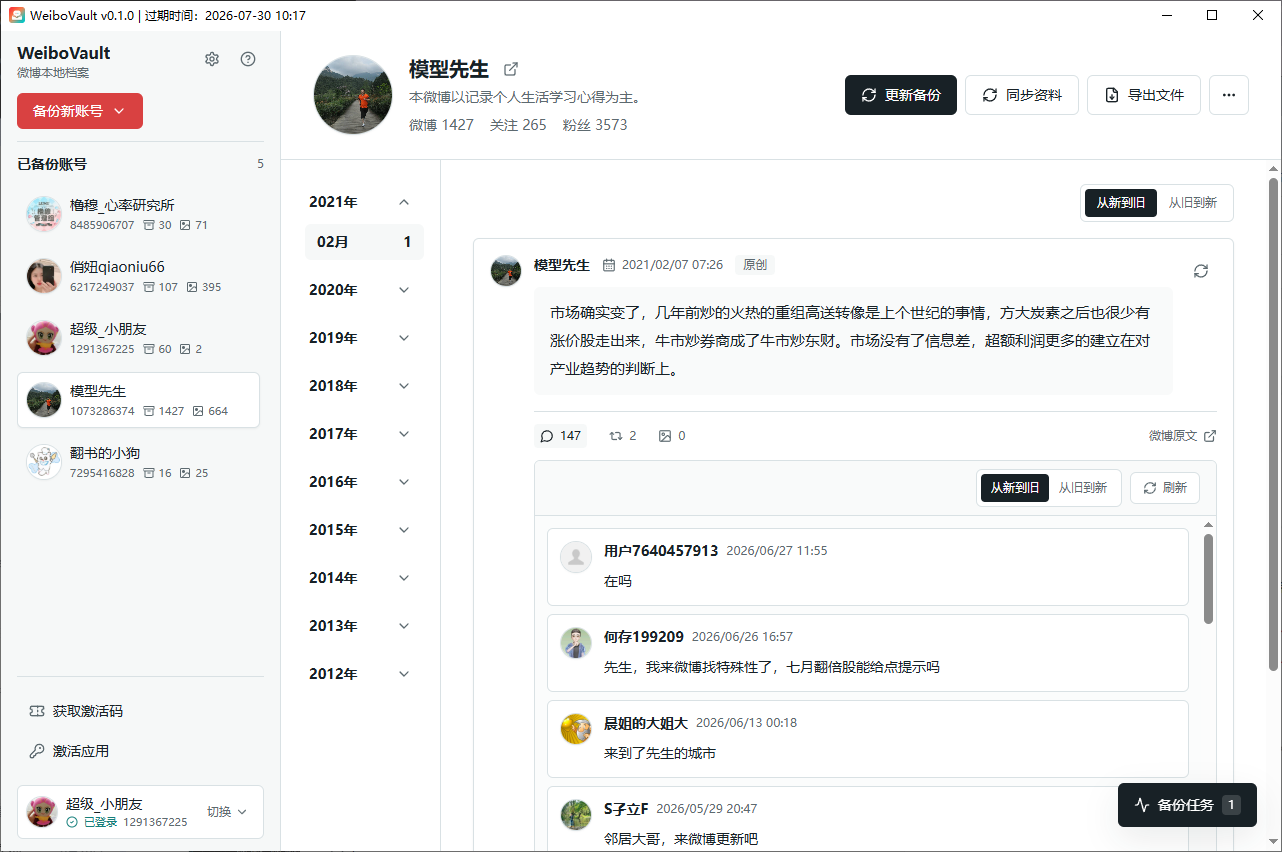

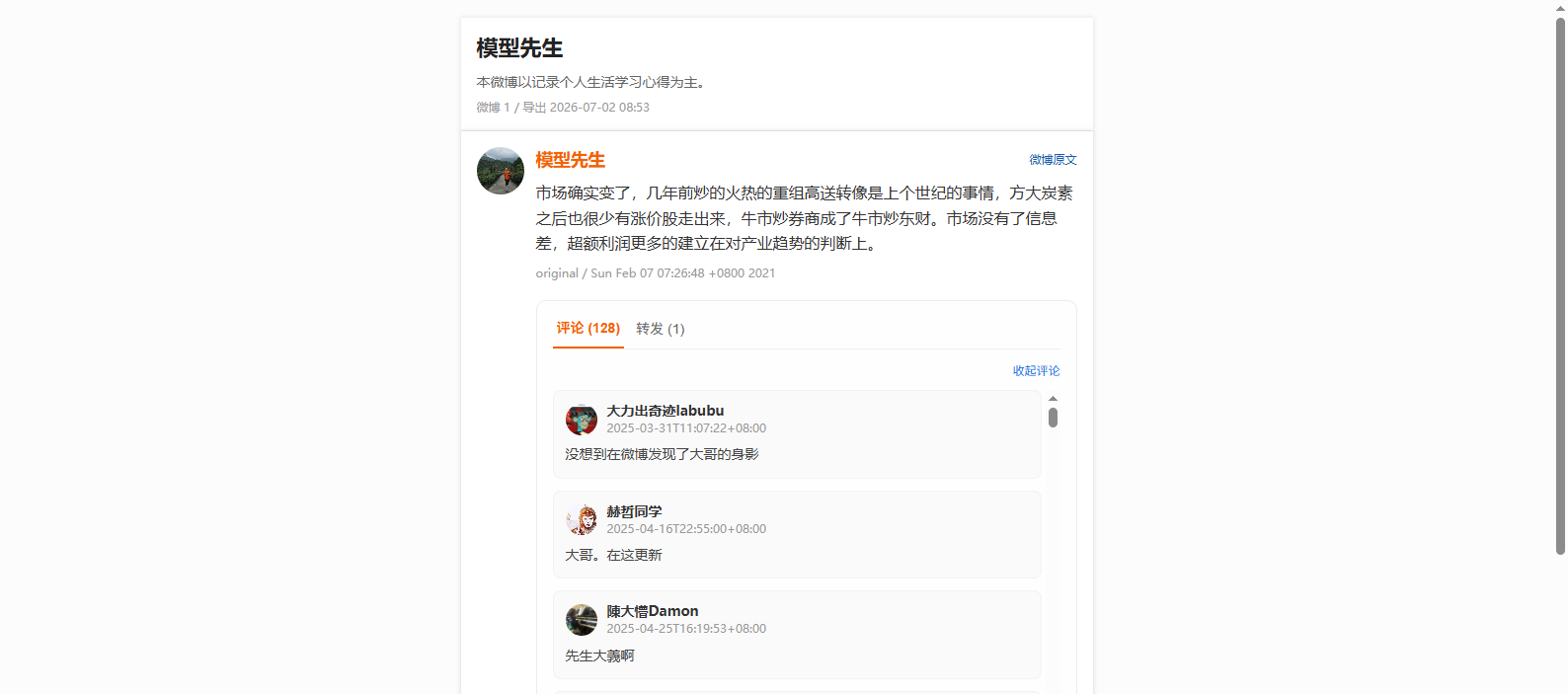
Full product walkthrough
See how WeiboVault signs in, selects an account, configures backup scope, browses the local archive, and exports saved Weibo content.
WeiboVault backs up your own posts and other public Weibo accounts, including comments, replies, reposts, images, and videos, with resumable tasks and one-click export.
Archive your own posts, timestamps, engagement data, and local media files after signing in.
Back up posts from other public Weibo accounts for research, references, and followed-account records.
Collect comments, nested replies, and repost lists so the archive keeps full context.
Save images and videos from posts so offline browsing can preserve the original content.
Continue from the last progress point after pausing, network failures, or closing the app.
Export backed-up content to offline HTML or PDF files for browsing, sharing, migration, and long-term storage.
Sign in, choose an account, set the scope, run the backup, then browse or export locally.
Log in from the desktop window.
Pick your own or another account.
Select time, media, comments, and reposts.
Track progress, pause, and resume.
Browse locally or export HTML/PDF.
Choose the Windows or macOS installer for your device.
No. The backup workflow runs on your computer, and login state, archive data, and media files stay local.
No. After buying an activation code, there is no limit on backup runs or the number of Weibo posts you can back up.
Yes. Expiration only stops new Weibo backups. The app can still open normally, and local archives you already saved remain available for browsing and previewing.
Yes. Exporting comments calls Weibo more often, so larger exports take longer. Set the comment limit based on what you need.
No. Backup tasks checkpoint page, comment, and repost progress so they can continue later.
The archive can include post text, images, videos, comments, reposts, and raw data, then export offline HTML documents or PDF files.
WeiboVault supports HTML and PDF export. HTML is best for offline browsing with text, images, and videos; PDF is best for printing, sharing, and long-term static snapshots.
For download, purchase, backup, or export issues, add our support account on WeChat.